Typing out important documents on your mobile phone is definitely not a pleasant job, and as you might guess, it is much slower than doing it on a PC. Still, it's vital to have a way to access text documents on the go and make quick edits. Let's check out what Microsoft has to offer!
Design and viewing options
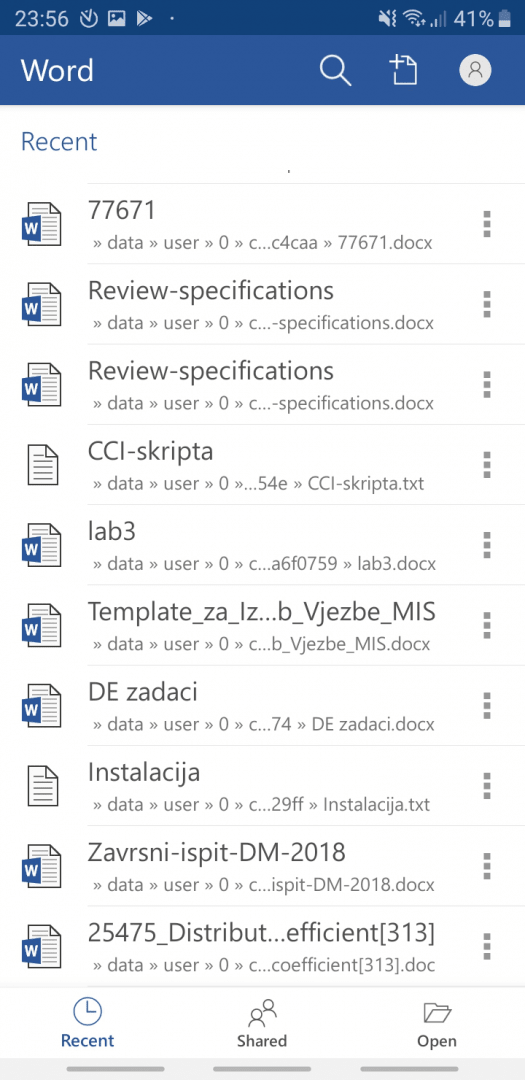
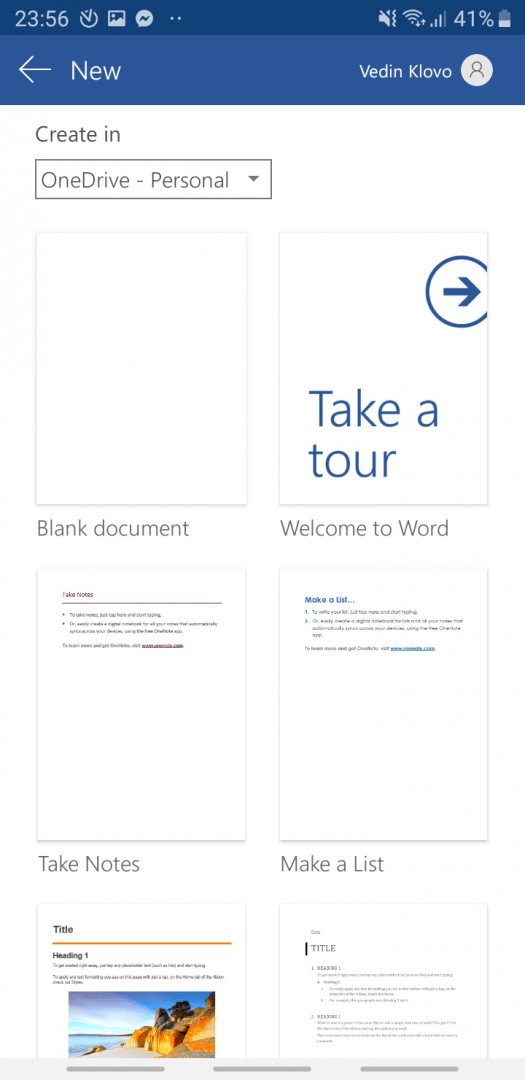
The first impression of the Microsoft Word app for Android is that its design is very clean and modern. It integrates with OneDrive, letting you easily sync and share documents using the cloud service. Documents can be read in a traditional Print Layout or a Mobile view, which optimizes the actual text for smaller screens.Formatting and basic tools
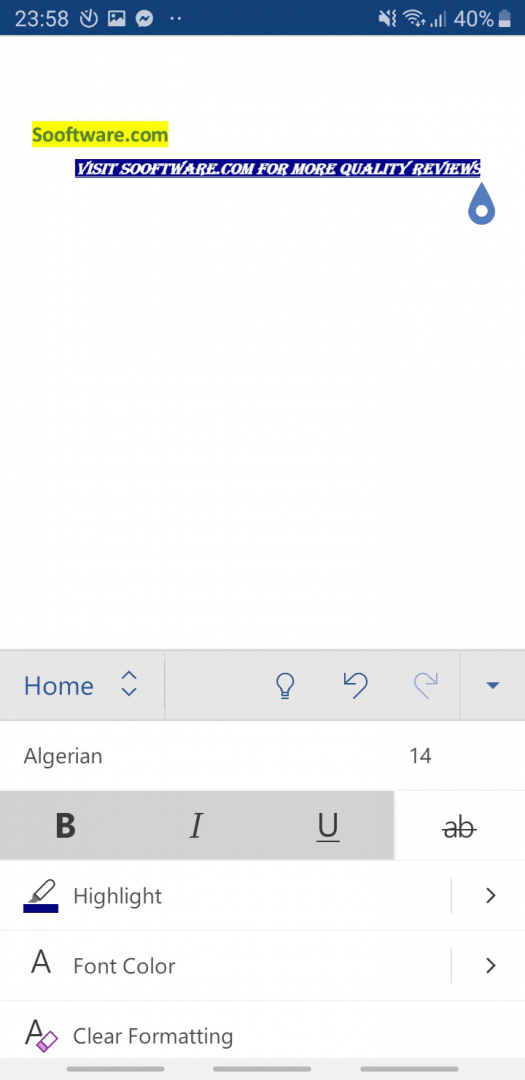
Editing and creating a document is fairly easy. By default, you can see your keyboard and various text formatting buttons from the Home section in the menu bar. It includes the essential editing features from the desktop version, such as bold, italic, underline, highlight, text color, and list creation.
Clicking the arrow to the right replaces the keyboard with an extended view of these features and an option to switch between different sections. Everything you need is pretty much there! You can easily format your text, browse different fonts, and organize information into lists and tables.Inserting media and advanced elements
You can add pictures, shapes, and your own drawings into the document, sometimes even faster than on the desktop version! Power users will be happy to know they can insert headers, footers, page numbers, and footnotes with a simple tap. However, writing equations is seriously over-simplified, as you have to type them out in linear format without a built-in gallery.A solid choice for mobile editing
You can also check any document you create for spelling errors, with dictionaries for many languages available to download right from within the app. While it doesn't carry over every single desktop feature, it handles the core tasks remarkably well. It's a great app, and it's definitely one of the best ways to view and edit a document on your mobile phone!